From first draft to final signature, in one place
Draft an agreement, have it reviewed, send it for signature with the right level of identity check, and keep every date tracked afterward.
- Signers need no account
- Audit trail and certificate on every request
- Your file stays on your device until you sign in
Drop a contract here
Your file stays on this device until you sign in.
standard forms ready to file
ways to verify a signer
alerts before every end date
automatic reminders per signer
Four jobs, one vault
What you work in every day
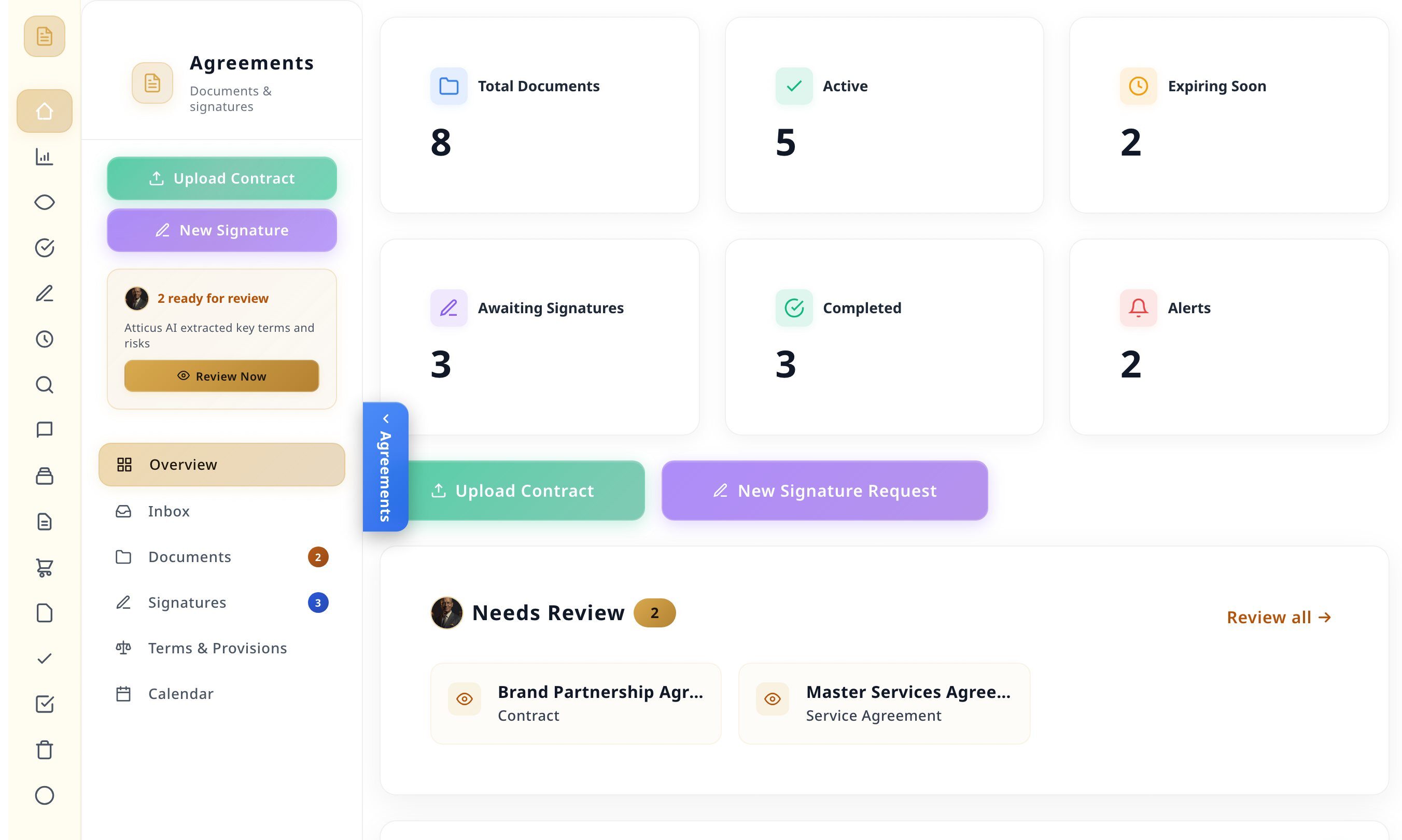
Real screens from a demo account with sample contracts. No mockups.

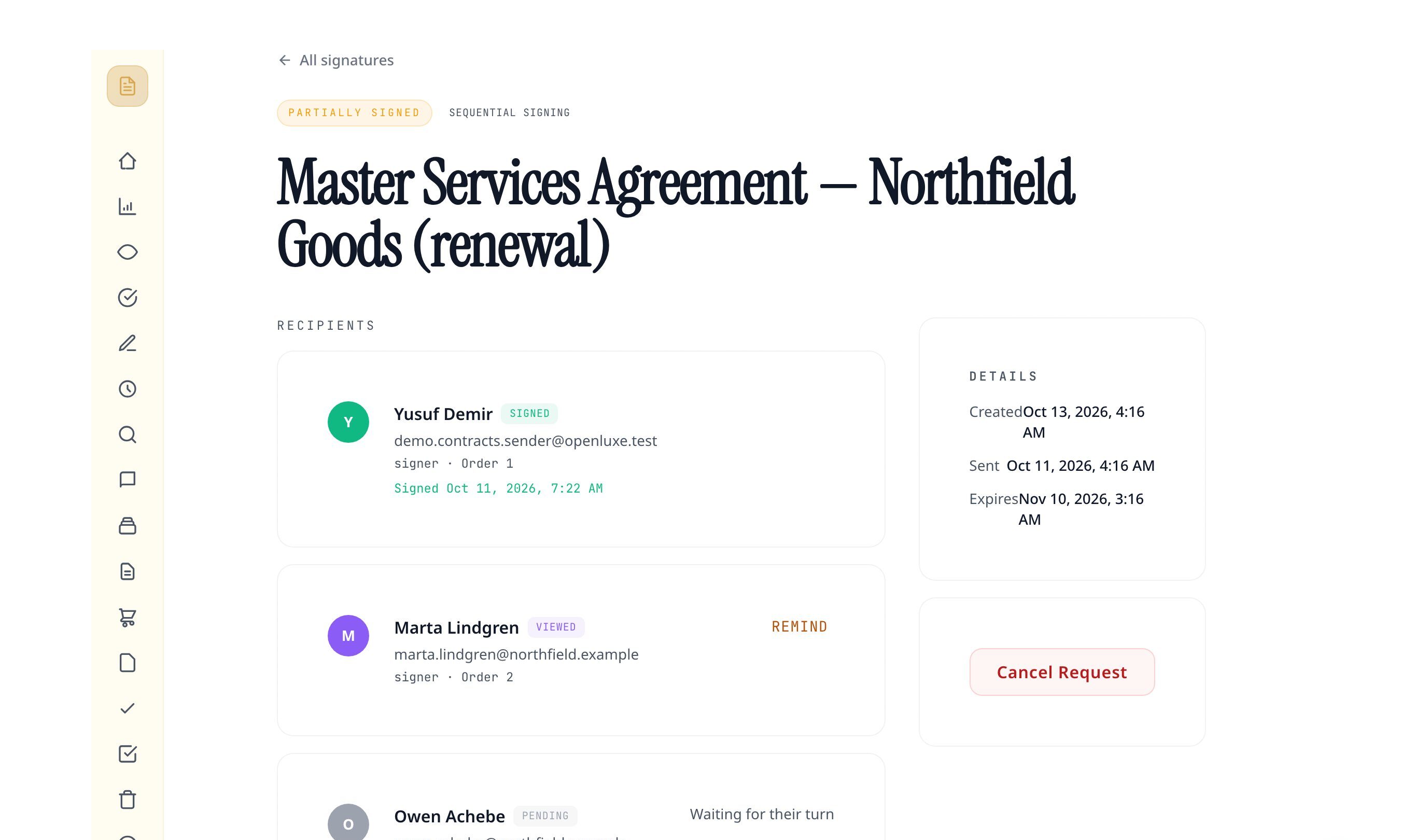
Build a signature request and play it through
Choose the signers, the order and how each one proves who they are. This is what the send wizard sets up.
Signers
Signing order
How each signer is verified
- Signer 1Ready
- Signer 2Waiting for their turn
What each signer does
- Opens the private link in their email. No account needed.
- Enters the 6-digit code we email them.
- Agrees to sign electronically.
- Draws their signature and fills their fields.
A walk-through of the send wizard. Nothing here is sent.
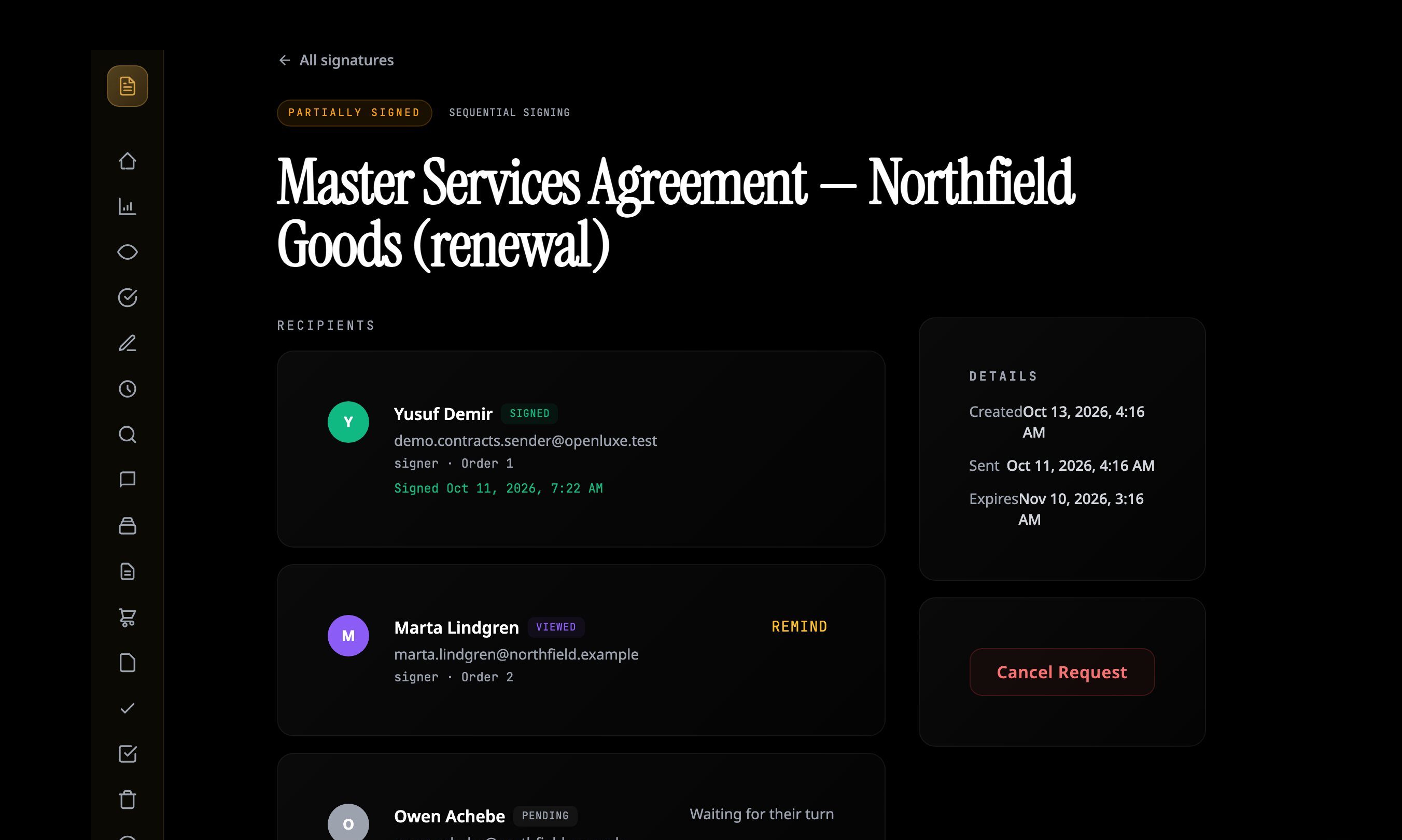

Signing takes a minute. The record lasts.
A signer opens their link, agrees to sign electronically, and draws their signature. Behind that, every step is written down.
- An audit trail of every open, check and signature
- A completion certificate with the signed copy
- Signers can decline, or hand off to the right person
- A signer can ask for an attorney review before signing
Try the signature pad
This pad is a demo. Nothing you draw here is saved or sent.
Know what you are agreeing to
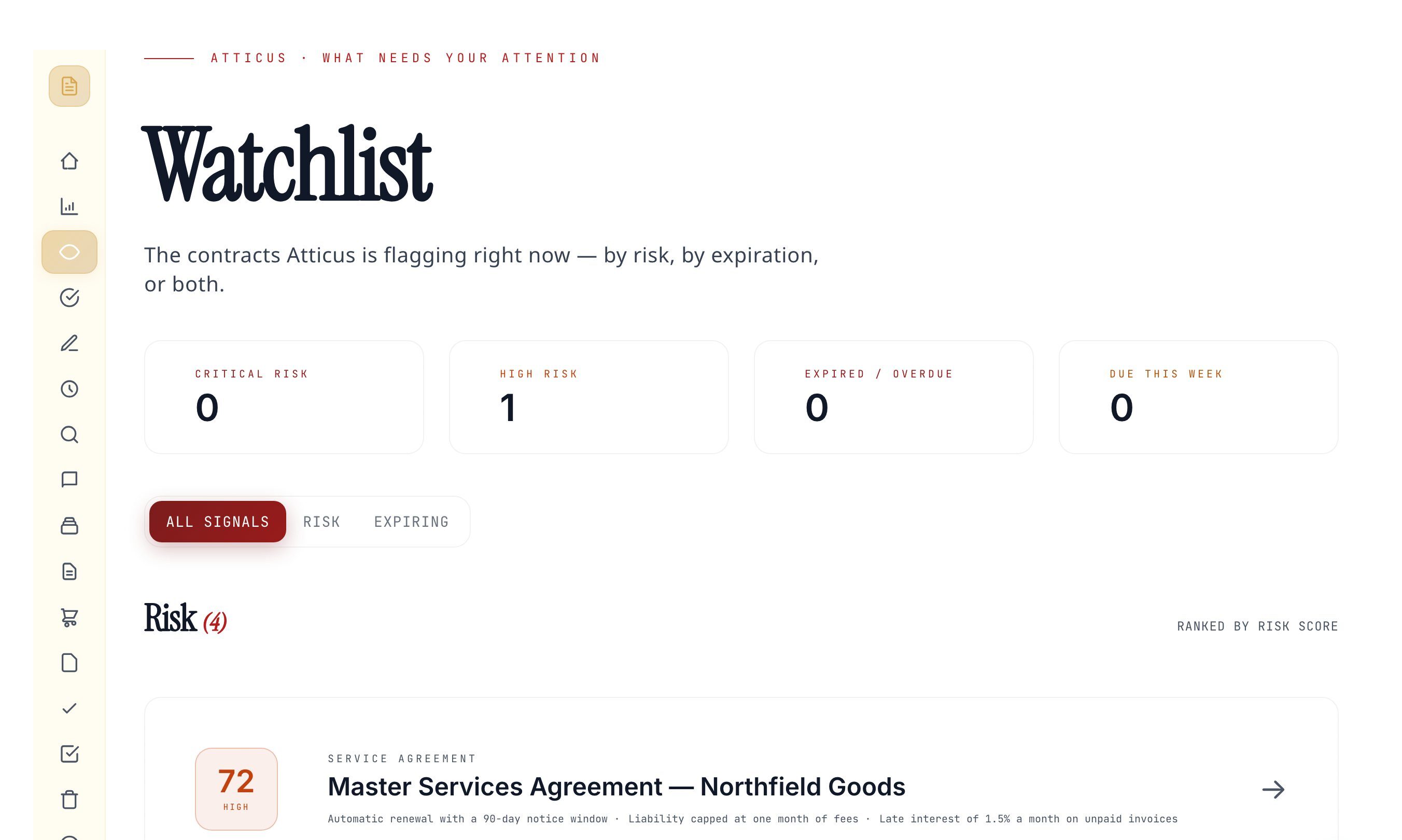
Upload a contract and Atticus reads it: a plain summary, the clauses worth a second look, and the dates that need a reminder.
Services Agreement
Between Harbor Studio LLC (Provider) and Northfield Goods Inc. (Client).
1.
2.
3.
4.
A written sample, shown to illustrate the layout of a review. Select a highlighted clause.
Automatic renewal with a long notice window
The agreement renews by itself, and stopping it takes notice 90 days ahead. Miss that window and you are committed for another year.


Start from a sentence, not a blank page
Tell Atticus what the agreement is for and who it is between. It asks what it needs to know, then writes the draft.
What do you need?
Atticus asks for the facts it needs, then files the draft in your vault as a PDF. It leaves no blanks to fill in later.
Outline preview
Mutual NDA
Between Your business and The other side
- The parties
- What counts as confidential
- How each side must protect it
- Term and ending the agreement
- Returning or destroying information
- Governing law and signatures
The current form, without the hunt
Find a form by name or number and add it to your vault in one step.
- Use this form
Farm and Ranch Contract
- Use this form
New Home Contract (Completed Construction)
- Use this form
New Home Contract (Incomplete Construction)
- Use this form
One to Four Family Residential Contract (Resale)
- Use this form
Residential Condominium Contract (Resale)
- Use this form
Unimproved Property Contract

Nothing lapses by surprise
Every contract's end date gets a run of alerts. Drag the slider to see them go out.
- Versions kept, with a side-by-side comparison
- Approvals before a document goes out
- Comments on the document, not in email
- Search by meaning, not only by file name
45 days until this contract ends
0 of 5 alerts sent- 30 days before
- 14 days before
- 7 days before
- 3 days before
- 1 day before

Three steps to a signed contract
Bring a document
Drop a PDF, pick a standard form, or have Atticus draft one.
Say who signs and how
Add signers, set the order and choose the identity check.
Send and track
Signers get their link. You see each step and get the signed copy with its certificate.
Questions people ask first
Are signatures collected here valid?
Each signer agrees to sign electronically before they sign, which is the consent model of the U.S. ESIGN Act and UETA. Every request keeps an audit trail and produces a completion certificate. Some documents, such as wills, have their own rules, so check with an attorney when it matters.
Do signers need an account?
No. Each signer gets a private link by email and signs from that page on a phone or a computer.
How do I know the right person signed?
Choose the level per request: the private link alone, a 6-digit code sent to the signer's email, or a government ID check with a selfie. The ID check costs the sender 100 credits for each signer.
What can I upload?
PDF, JPG, PNG, DOC, DOCX files up to 25 MB. Sending for signature needs a PDF.
Is the AI review legal advice?
No. Atticus reads the document and points out clauses and dates worth your attention. It is not a law firm and does not replace an attorney.
Which standard forms are included?
43 forms published by the Texas Real Estate Commission: contracts, addenda, leases, notices and disclosures.

Bring the next contract here
Start with the one on your desk.
Atticus is an AI assistant, not a law firm, and OpenLuxe does not give legal advice. Have an attorney review anything that matters before you sign or send it.
Shown: a demo account with sample contracts and fictional names.
